The Playfair Display font on real websites
2 websites set in Playfair Display, with their font pairings and stack.
Playfair Display is a free high-contrast transitional serif by Claus Eggers Sørensen. A high-contrast serif with delicate hairlines, inspired by 18th-century type. A go-to free choice for elegant, editorial headlines.
2 websites in the save.design library use Playfair Display. It shows up most on e-commerce and blog sites. It's most often paired with Inter, Dm Sans and Ibm Plex Serif. Sites using Playfair Display are most often built with Vue.js (50%).
- License
- Free, including commercial use
- Style
- High-contrast transitional serif
- Designer
- Claus Eggers Sørensen
- In the library
- 2 websites
ABCDEFGHIJKLMNOPQRSTUVWXYZ abcdefghijklmnopqrstuvwxyz 0123456789 &!?
Often paired with
Similar fonts
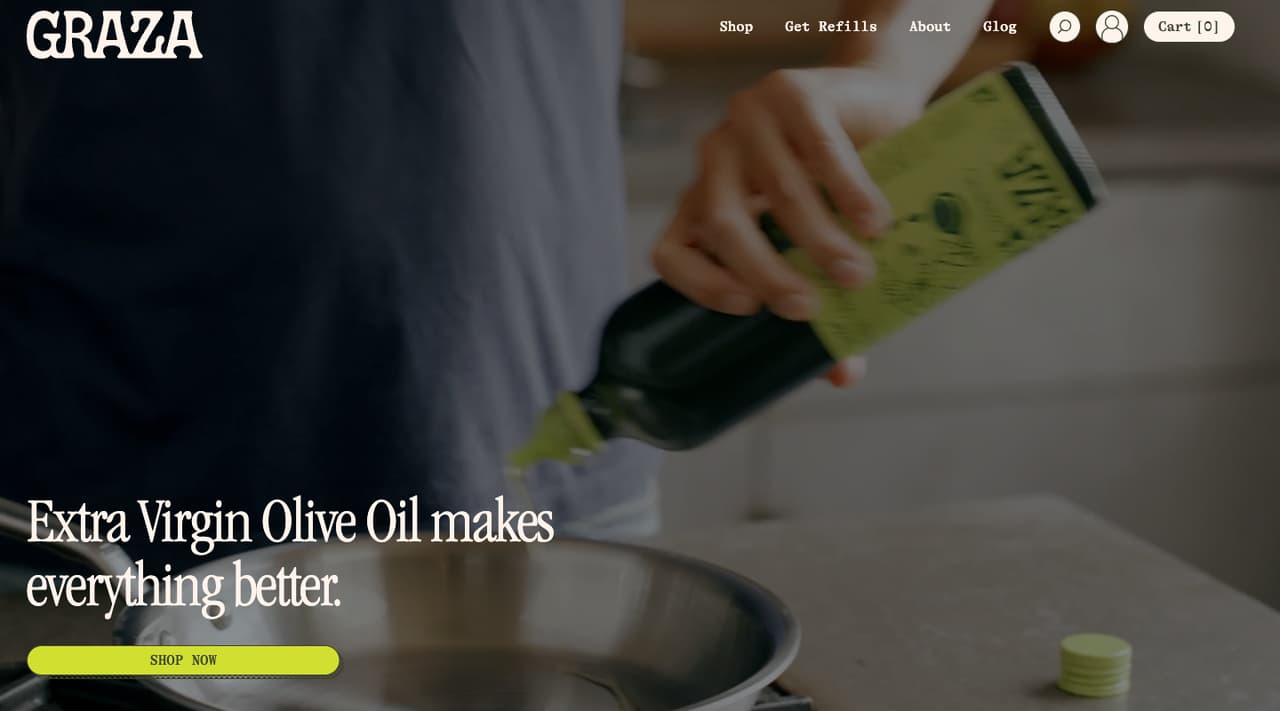
2 websites set in Playfair Display



Categories
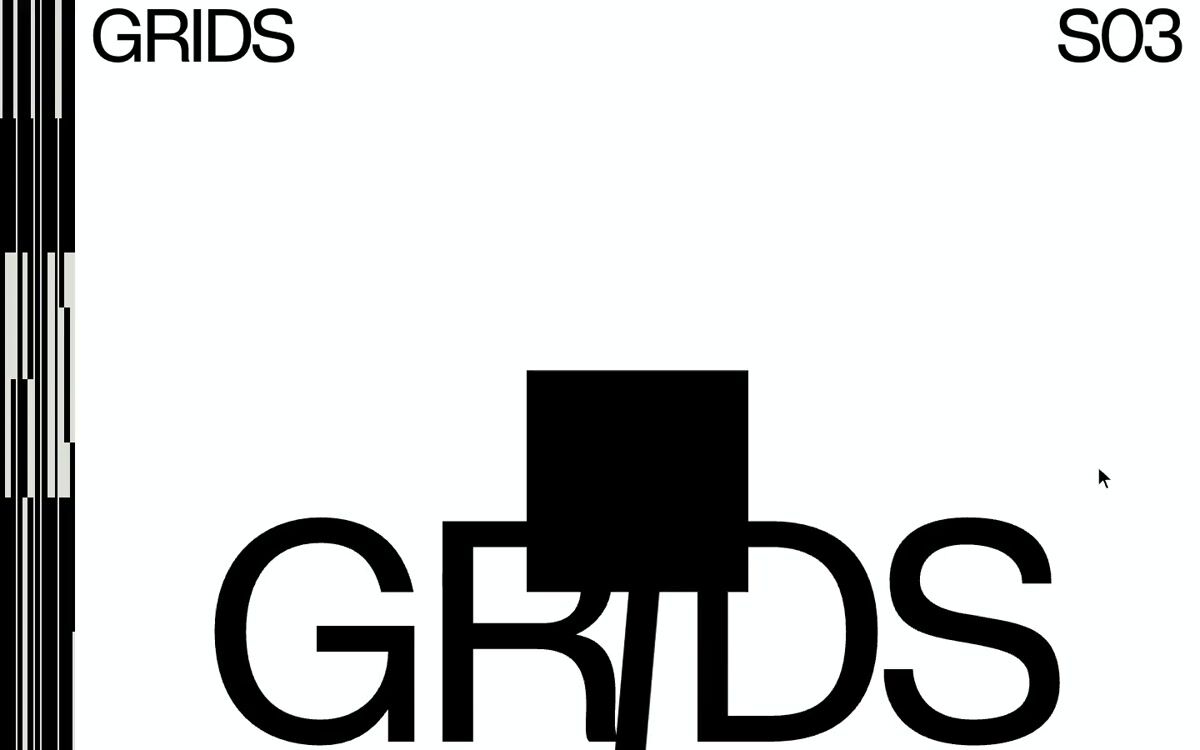
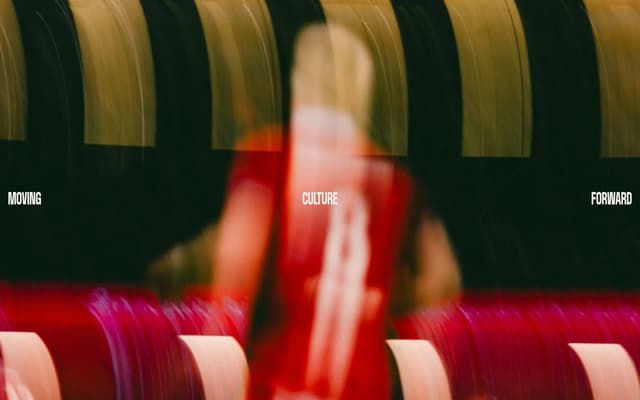
See type in motion
Headlines that split, scroll and react, from live websites.

Questions
Is Playfair Display free?
Yes. Playfair Display is free to use, including commercially, from Google Fonts.
What fonts are similar to Playfair Display?
Canela (commercial), Cormorant Garamond (free), Fraunces (free) and Editorial New (commercial) have a similar feel.
Which websites use Playfair Display?
Recent examples include graystoronto.com and graza.co. All 2 websites using Playfair Display are on this page, with the rest of their fonts and their tech stack.
What fonts pair well with Playfair Display?
On real sites, Playfair Display is most often set alongside Inter (50% of them), Dm Sans (50% of them) and Ibm Plex Serif (50% of them).
How do I find out what font a website uses?
If it's in the save.design library, its page lists what we detected. For any other site, the analyzer in a save.design account reads the live page and lists the framework, animation libraries, fonts and platform it finds. A new account includes 10 analyses, and every paid plan is unlimited.
Check any site with the website analyzer in a save.design account, where a new account includes 10 analyses. Save what you like to a board, then hand it to Claude, Cursor or your other AI tools over MCP when it's time to build.