Dark mode website examples
305 dark website sections, mostly from live websites, each credited to its source.
Dark sites rely on contrast and glow for hierarchy, since shadows barely show. Look at how they keep long text readable, usually with off-white type on a near-black ground rather than pure white on pure black.
- Try
The highest rated of 305 from 14 different sites, including zrk.technology, weirdfolders.com, raviklaassens.com and imolaceramica.com.
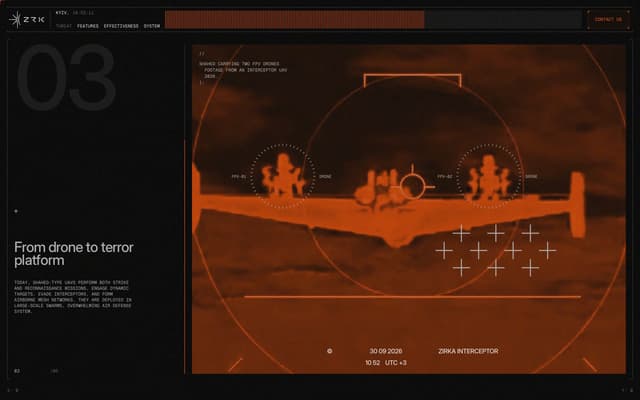
Thermal imaging drone detection display
zrk.technology
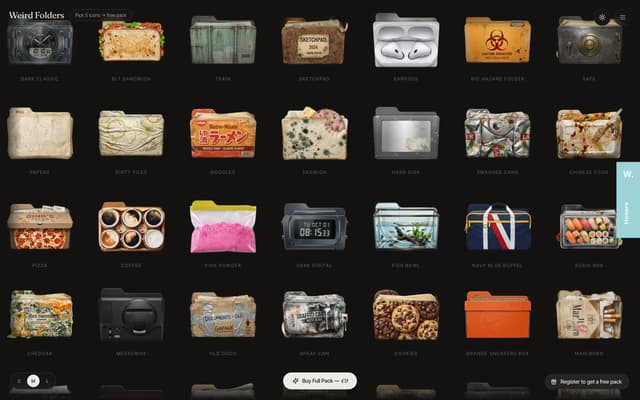
Dark Mode Full Viewport
weirdfolders.com
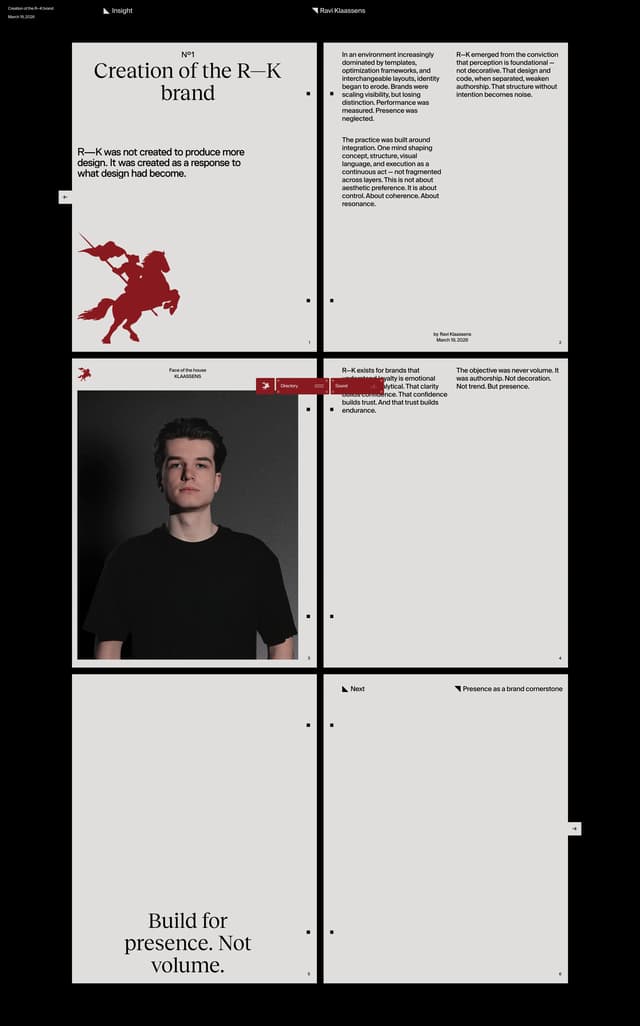
Dark Editorial Article Layout
raviklaassens.com
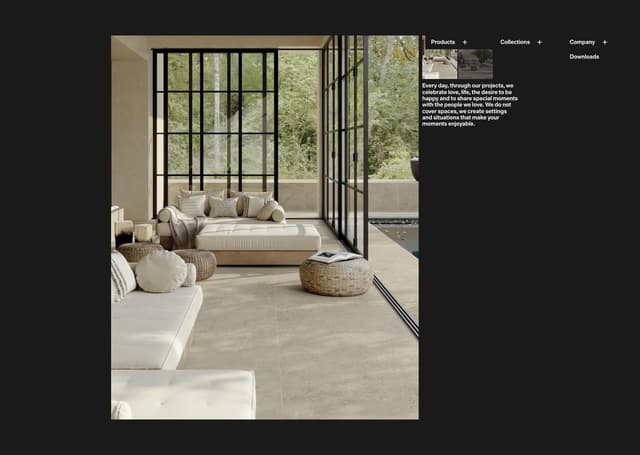
Dark Inspiration Gallery
imolaceramica.com
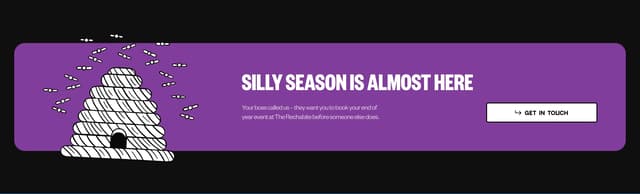
Pop-Out Illustration CTA Banner
therechabite.com.au
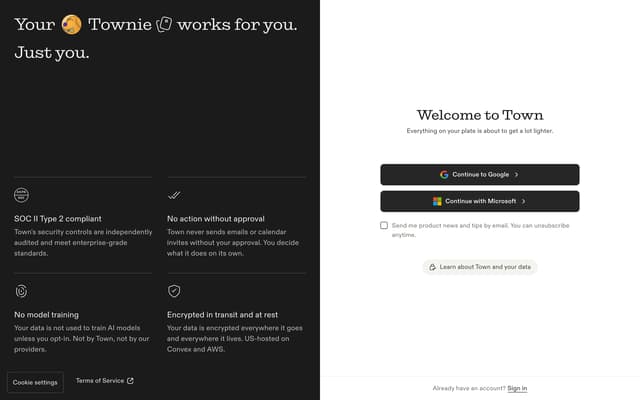
Sign-up page
town.com
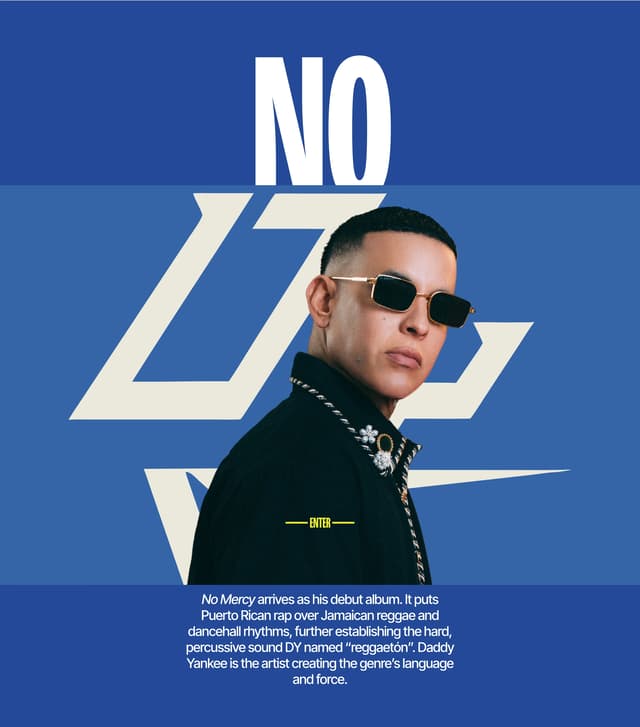
No Mercy album section
daddyyankee.com
- 0:09
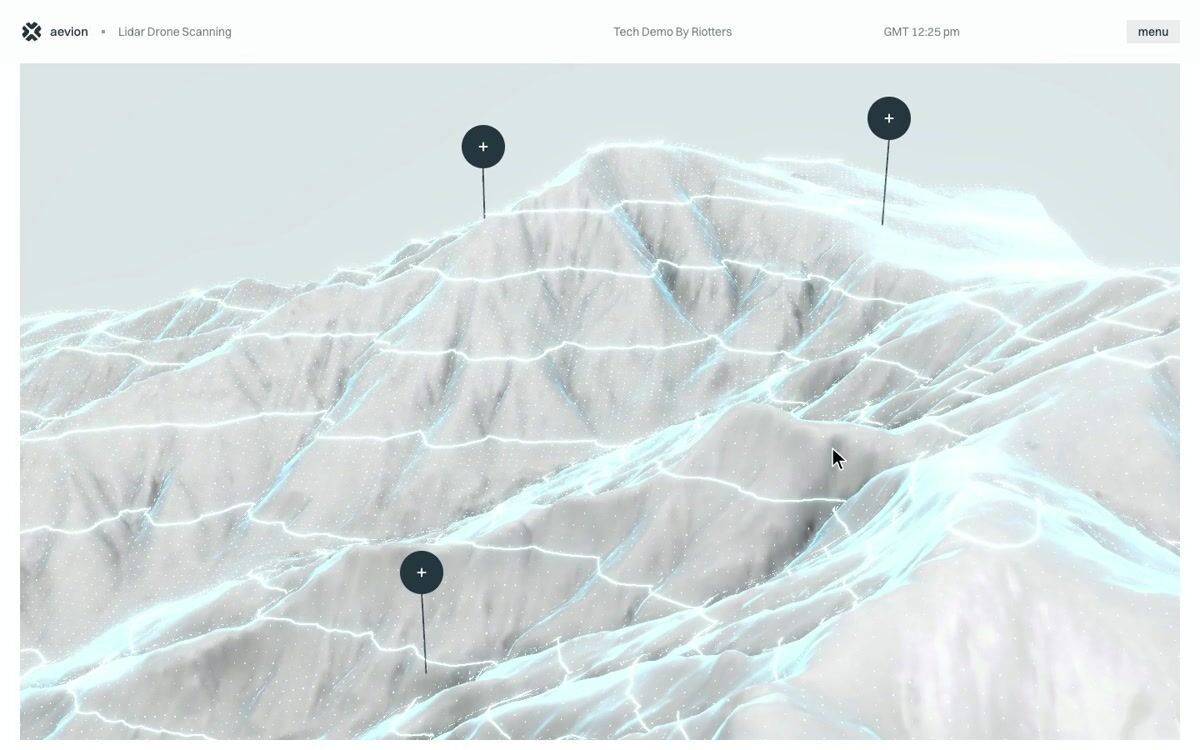
Clickable 3D terrain hotspots with camera fly-to and a decoding data panel
drone.riotters.com
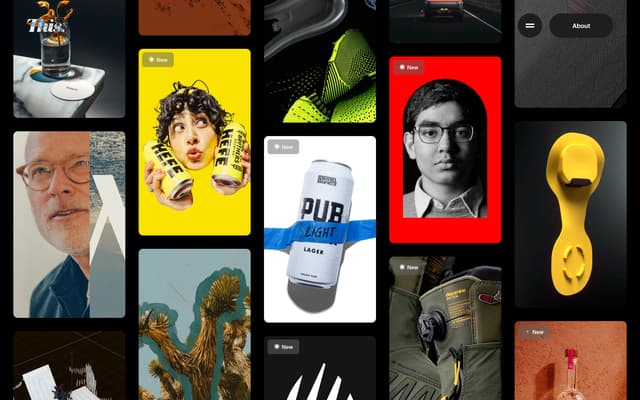
Dynamic Masonry Portfolio Grid
this.design
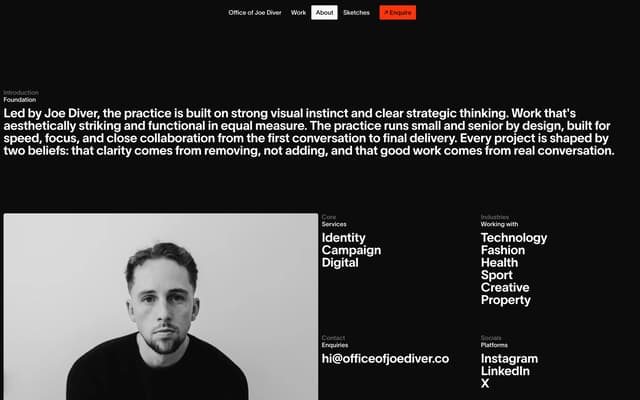
Dark-Mode About Introduction
officeofjoediver.co
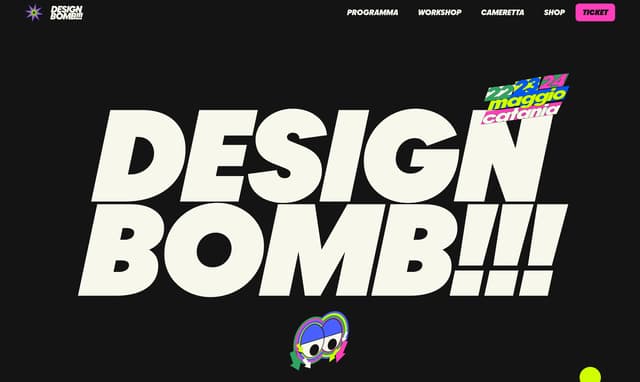
Oversized Italic Display Hero
designbomb.it
- 0:12
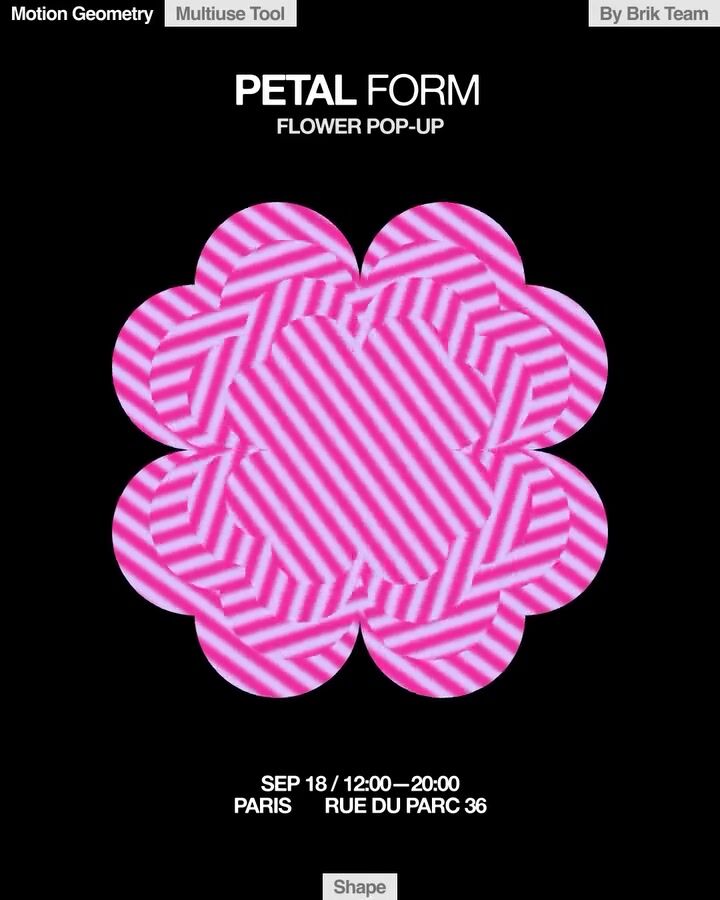
Minimalist hero with generative moiré petal animation
instagram.com
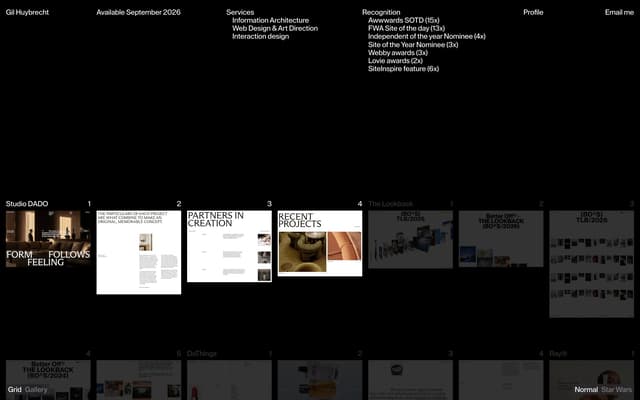
Project Grid Hover State
gilhuybrecht.com
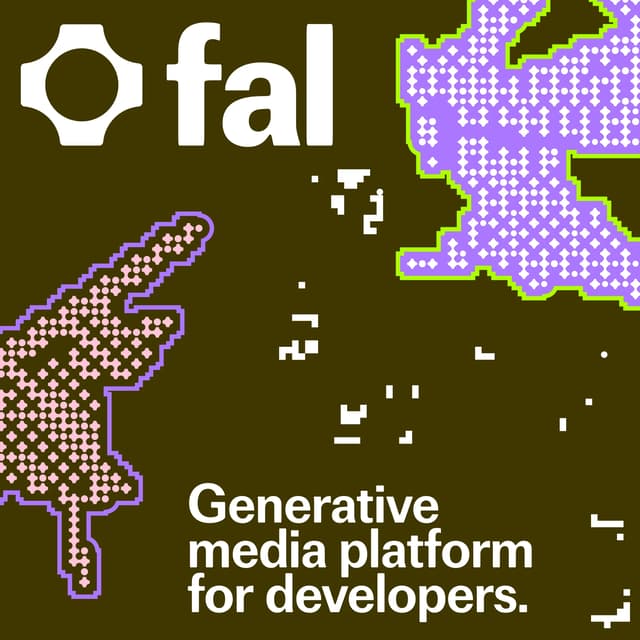
Hero section with pixelated generative graphics
adamho.com
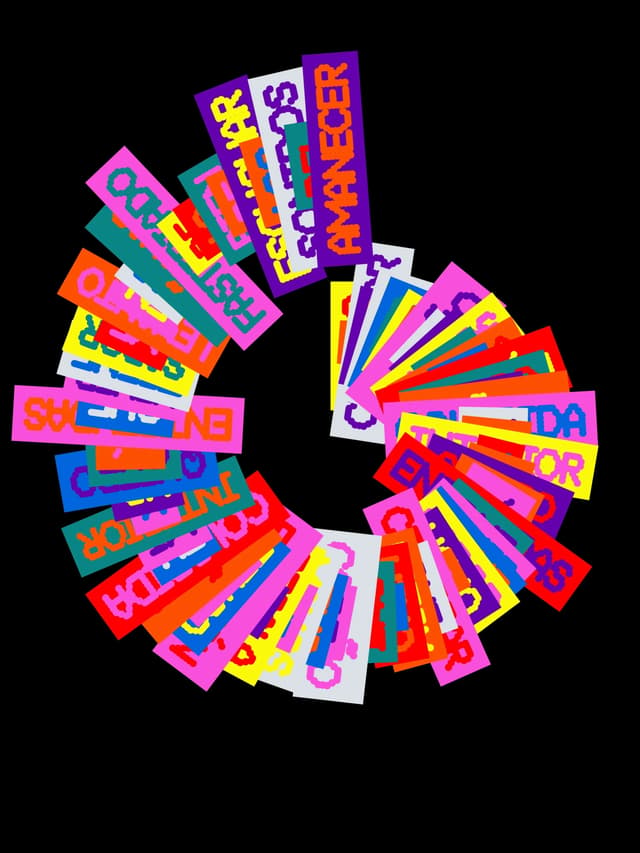
Radial fan layout with high-contrast block typography
x.com
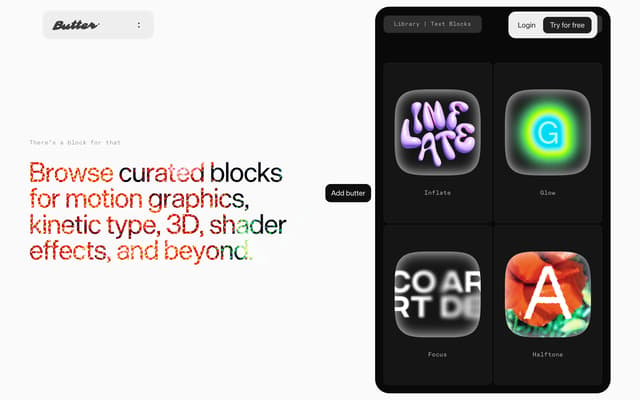
Text Effects Showcase with Masked Typography
butter.video
289 more dark website sections
Describe what you're after and the library finds it, by look or by what it does. Save the ones you want to a board, then hand the board to your AI tools when it's time to build.
Search all 305 dark website sectionsNo card needed to create an account.
Questions
What colors work for a dark mode website?
Most of the good ones use a near-black background rather than pure black, off-white text and one accent color. Raising a surface means making it slightly lighter, because shadows barely show on dark grounds.
What are good examples of dark website sections?
Three of the highest rated in the library: Thermal imaging drone detection display (zrk.technology); Dark Mode Full Viewport (weirdfolders.com); Dark Editorial Article Layout (raviklaassens.com). The rest of this page shows more, each credited to its source.
Where can I find more dark website sections?
This page shows 16 of the 305, chosen from different sites. The rest are in the save.design library. An account lets you open them, search by what they look like or do, and save them to a board. Search shows a preview of the results until you're on Individual, at $12 a month or $10 billed yearly, which has the whole library.
Are these from real websites?
Almost all of them. Most were captured from a live site and credited to it, and a few come from posts on social networks such as Instagram, credited to the network. With an account, you can open one to see it in full, along with similar elements and a link to its source.
Check any site with the website analyzer in a save.design account, where a new account includes 10 analyses. Save what you like to a board, then hand it to Claude, Cursor or your other AI tools over MCP when it's time to build.