Interactive website examples
379 interactive website sections from live websites, each credited to its source.
An interactive website responds to what you do: it follows the pointer, lets you drag something, or changes as you scroll. These were recorded from live sites so you can see the response. Look for what the interaction teaches you about the product or the studio.
- Try
The highest rated of 379 from 16 different sites, including adamperlis.com, guillaumecolombel.fr, tostato.cafe and altshift.agency.
- 0:10
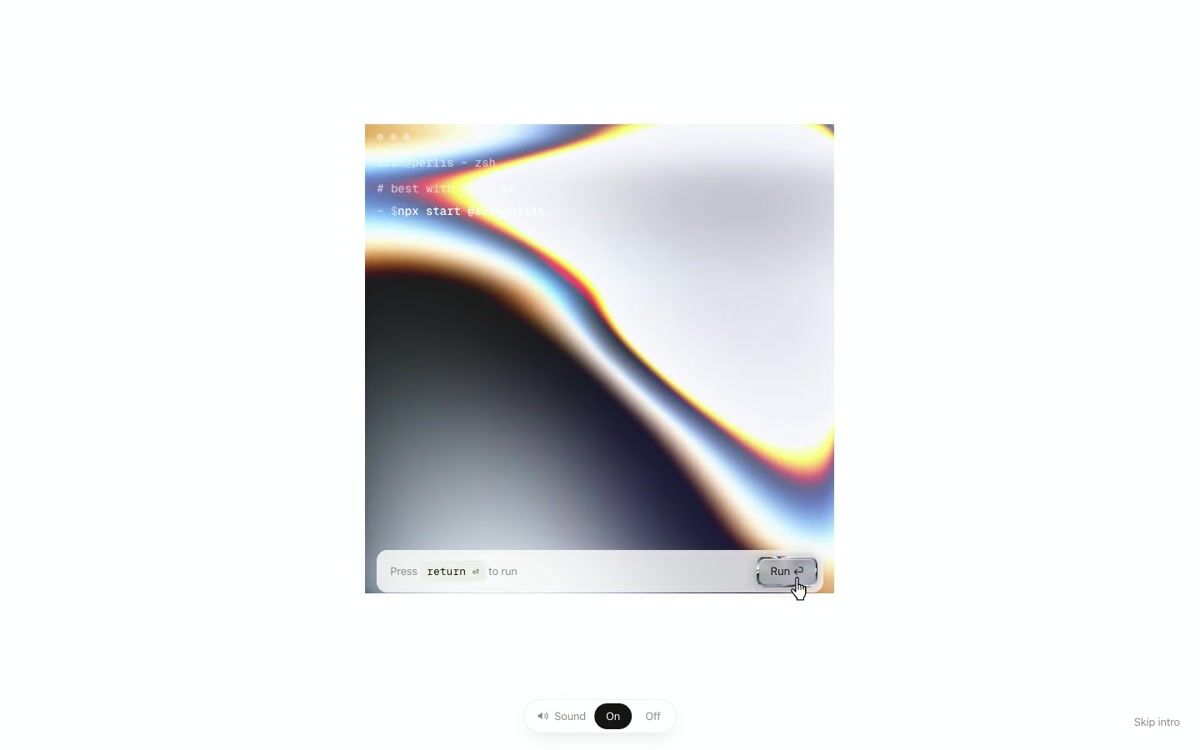
Liquid-metal terminal intro that melts into a chrome mascot
adamperlis.com
- 0:05
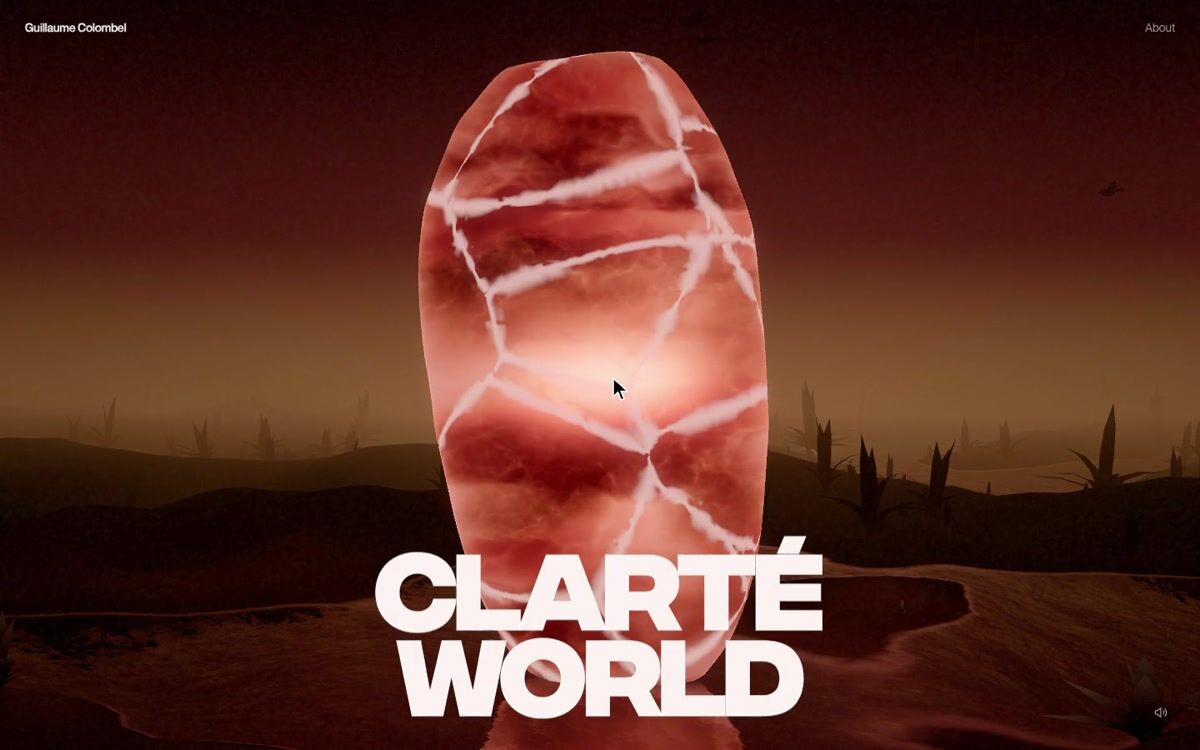
Stone that shatters into shards to open a project
guillaumecolombel.fr
- 0:12
Retro OS window-based navigation with draggable components
tostato.cafe
- 0:06
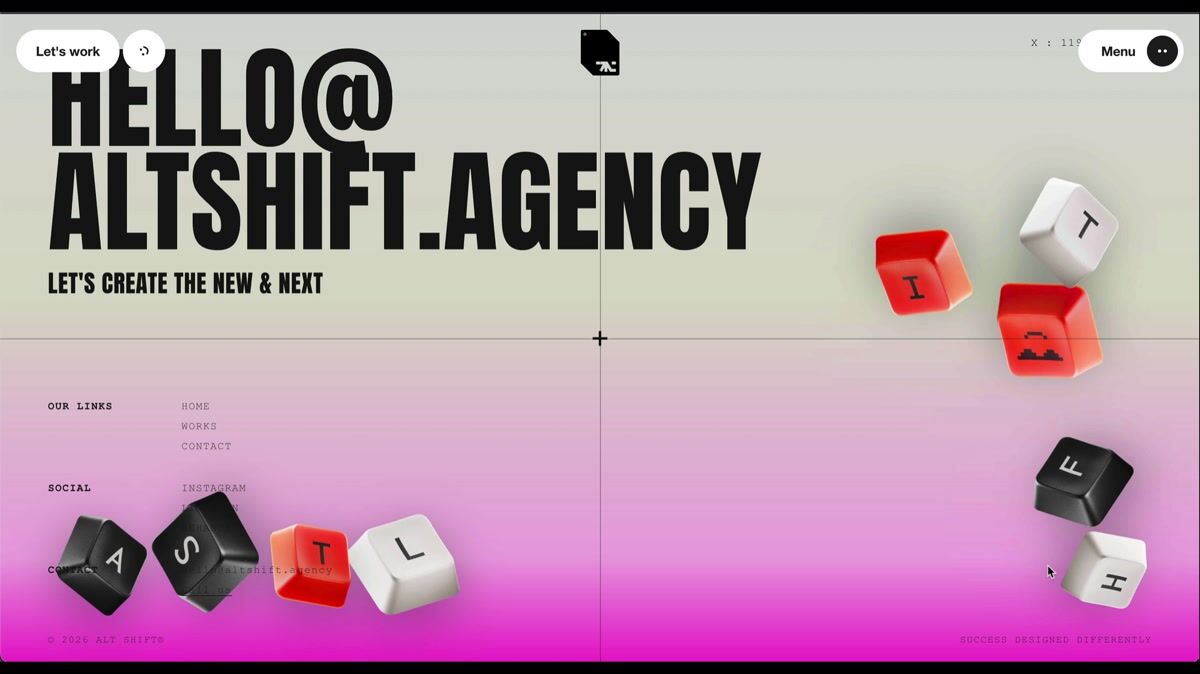
Interactive 3D keycap footer with physics
altshift.agency
- 0:08
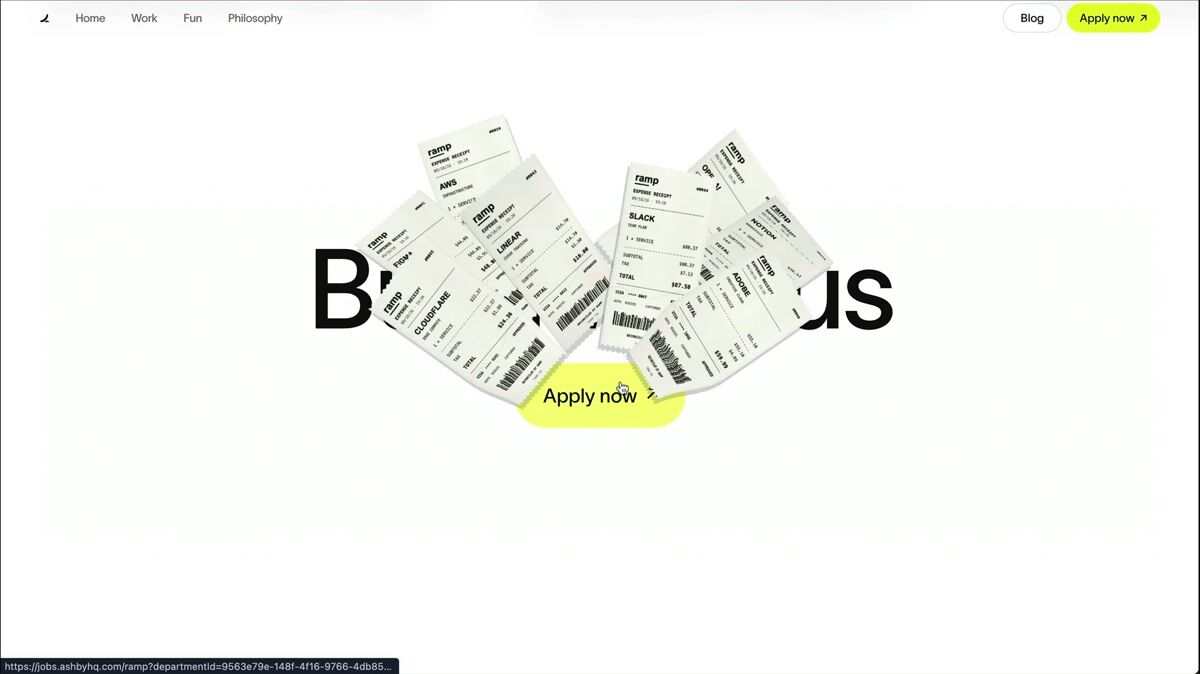
Minimal hero with cursor-following 3D receipt gun animation
ramp.design
- 0:12
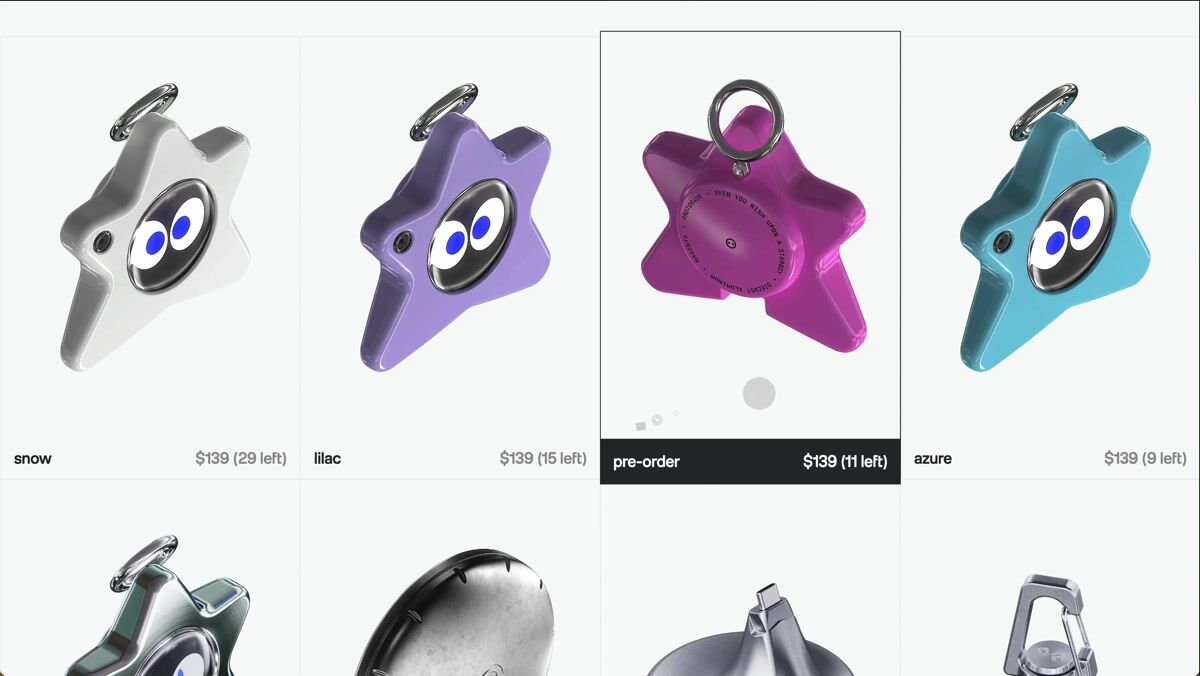
Product grid with 3D model rotation and seamless detail transition
lilguy.net
- 0:19
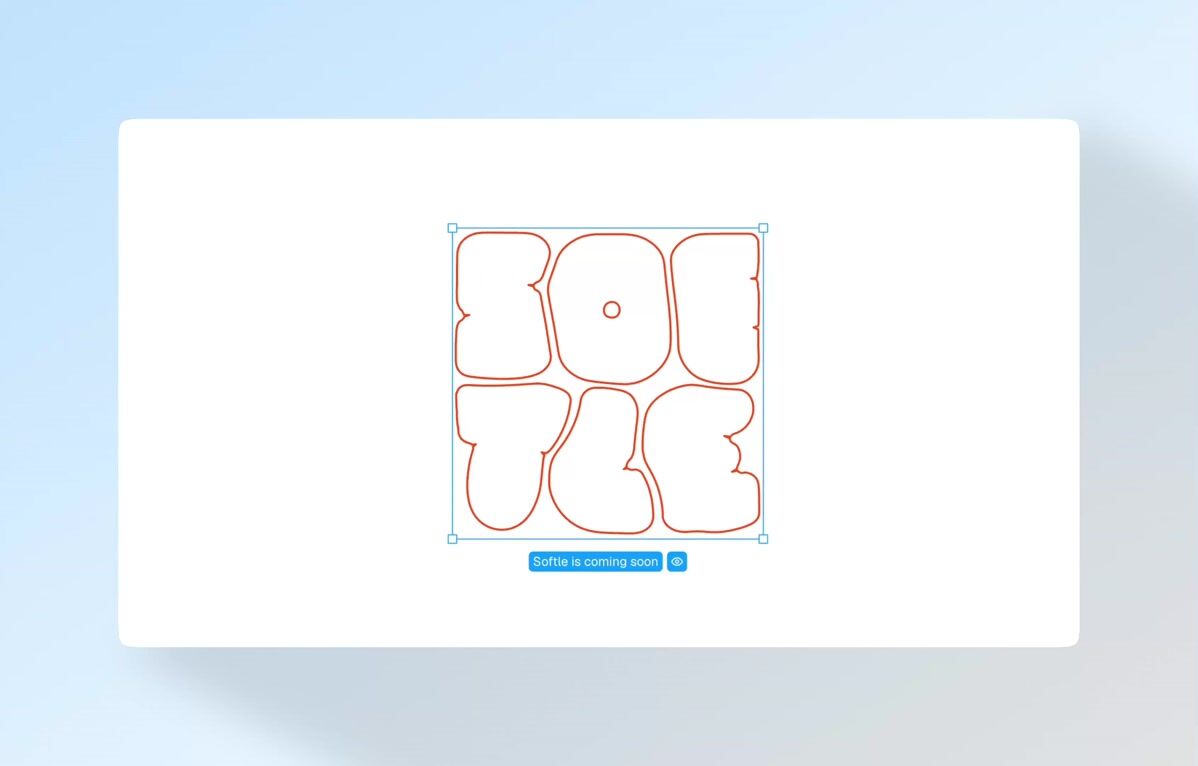
Interactive soft-body typography with container-aware morphing
softle.app
- 0:07
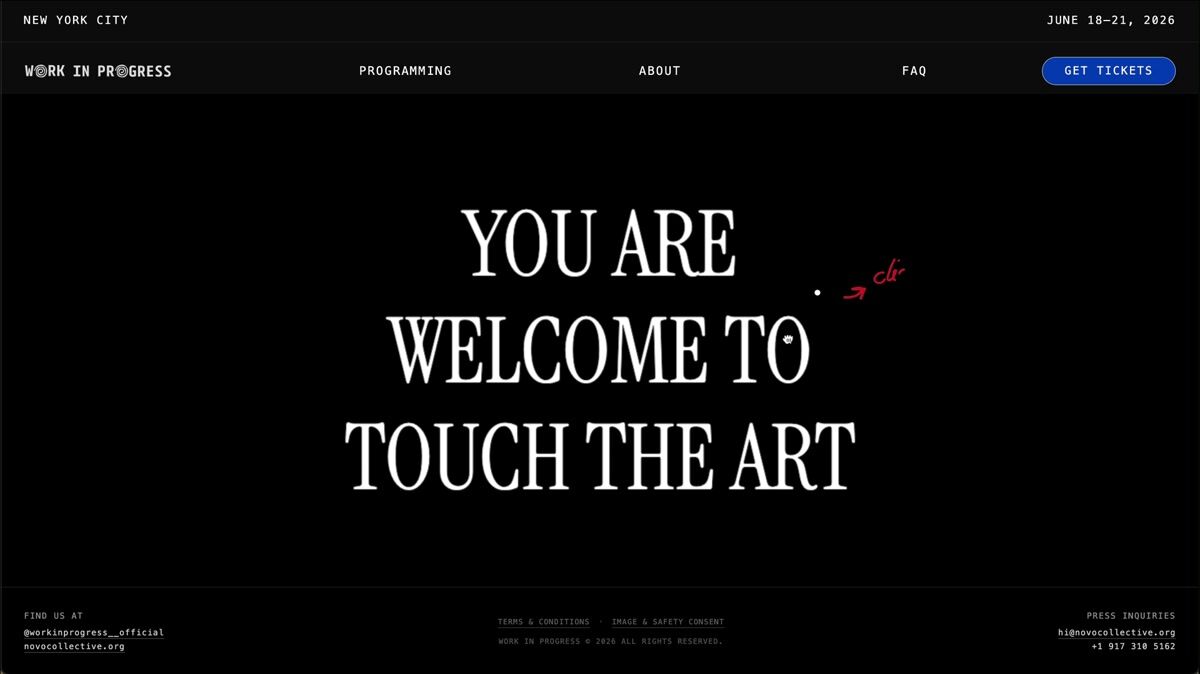
Hero section with interactive liquid text distortion
veryworkinprogress.com
- 0:11
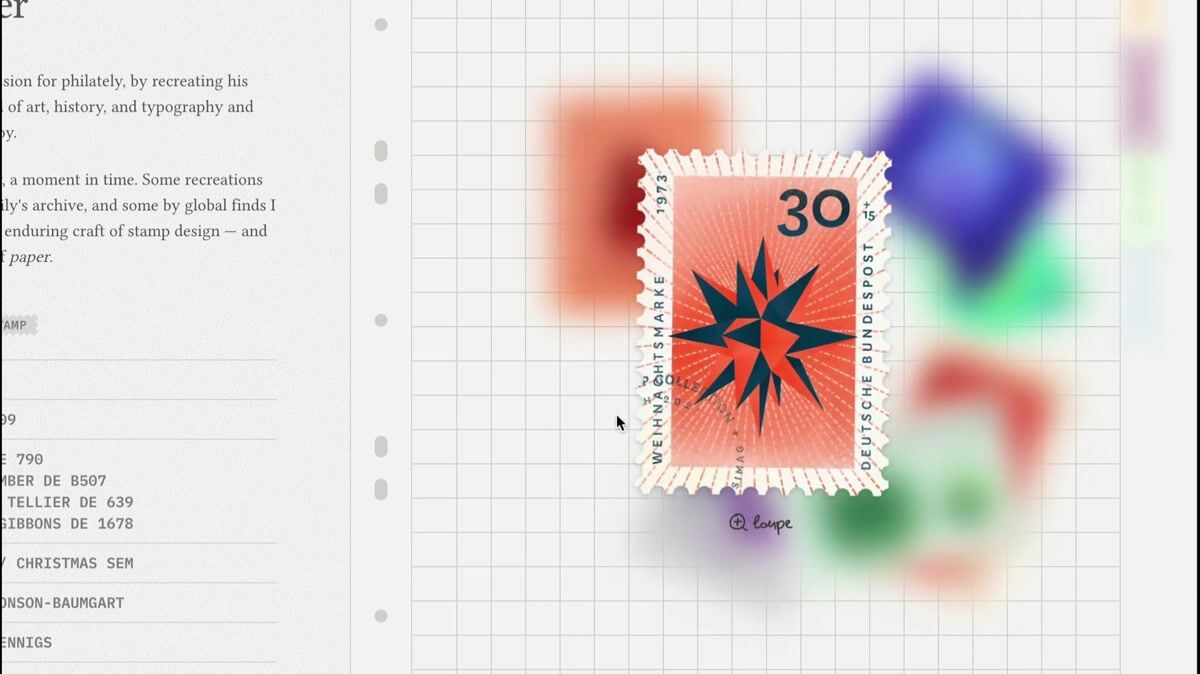
Interactive stamp gallery with magnifying loupe effect
marijanapav.com
- 0:09
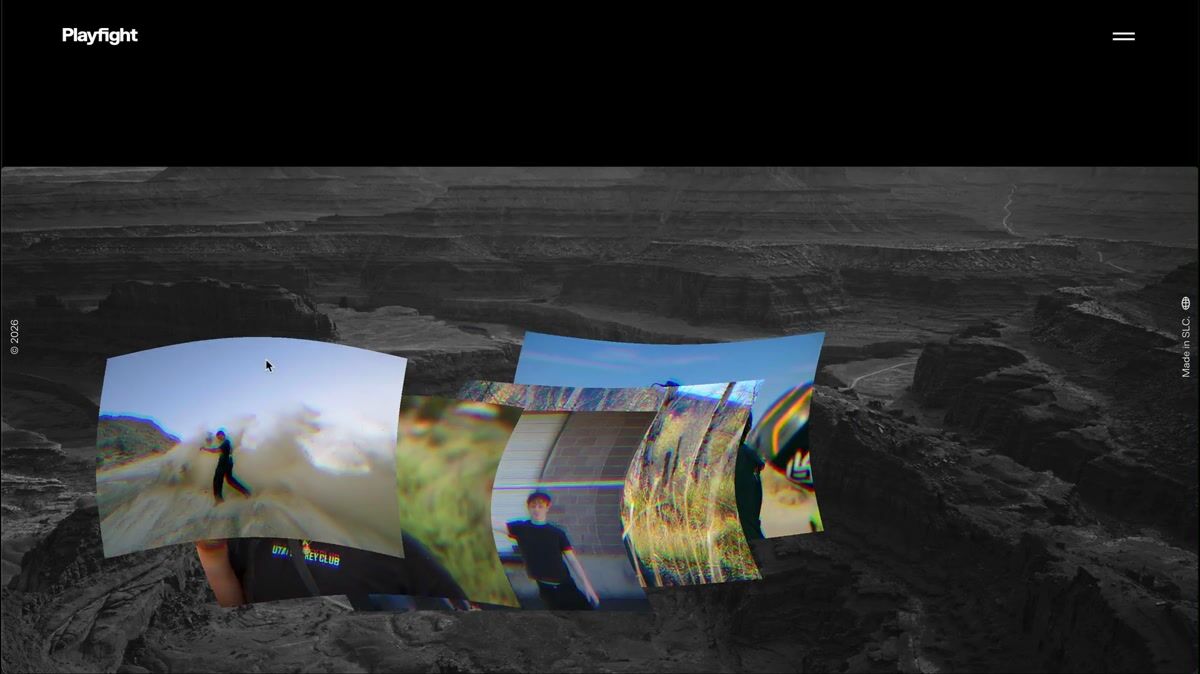
Hero section with cursor-reactive distorted image trail
letsplayfight.com
- 0:09
Circular image ring with scroll-triggered rotation
kononenkogroup.com
- 0:14
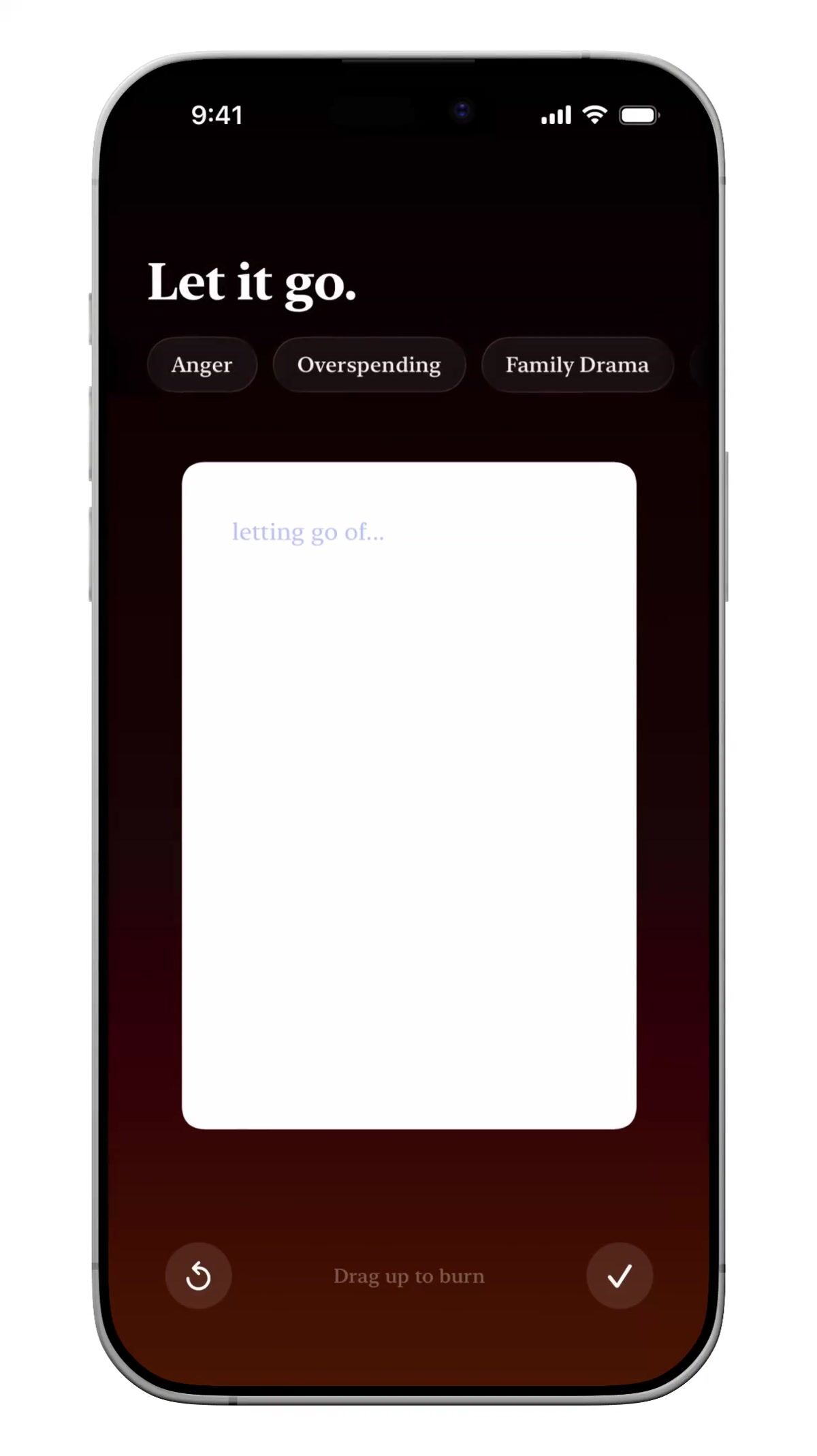
Interactive list with gesture-triggered fire animation
harin.design
- 0:14
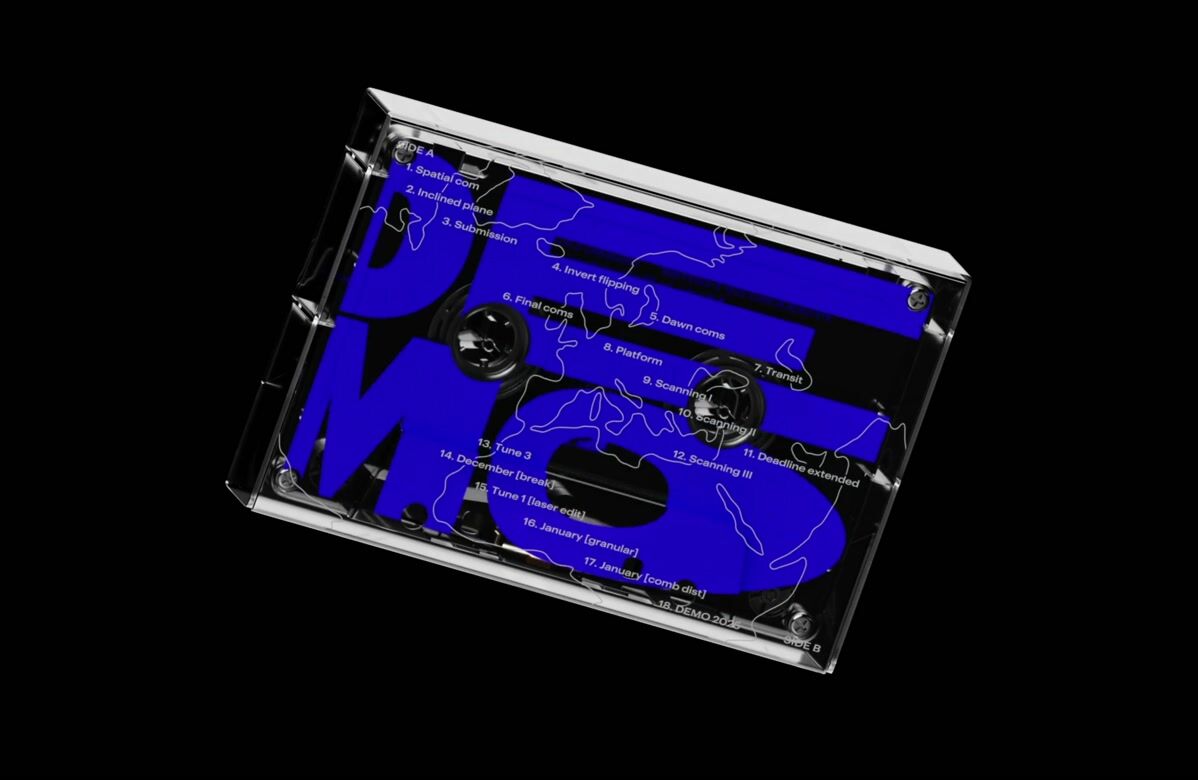
3D cassette tape hero with scroll-triggered rotation
studiodumbar.com
- 0:07
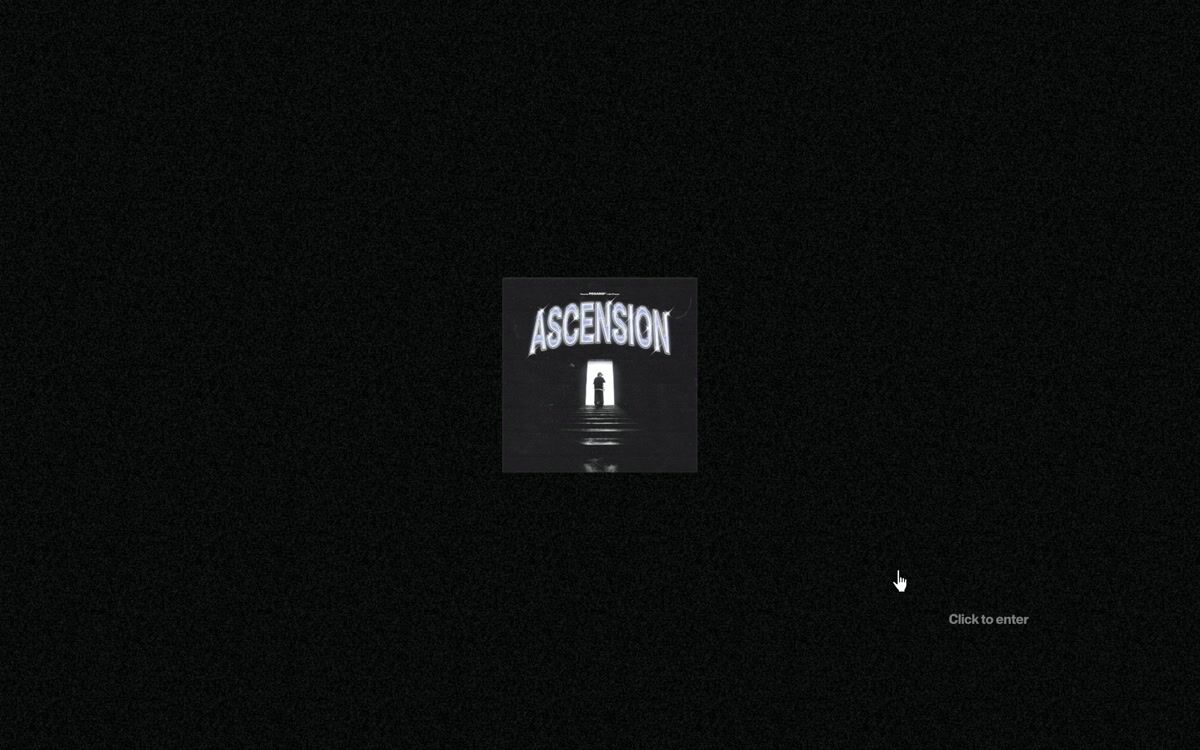
Enter screen where the vinyl slides out of its sleeve toward the cursor, then flies apart on click
ascension.pegassi.be
- 0:05
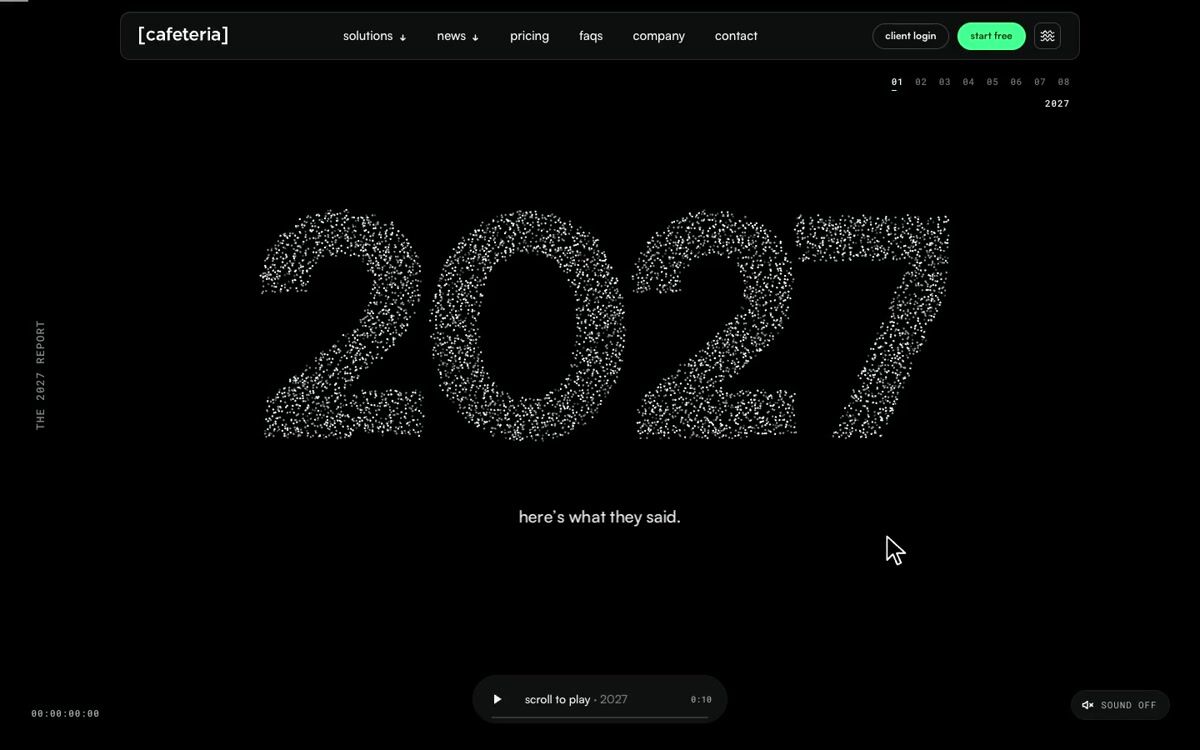
Particle number bursts into a starfield, video card flies out to full screen
teamcafeteria.com
- 0:06
3D box flies open and dives into the next page on click
kingriver.com.au
363 more interactive website sections
Describe what you're after and the library finds it, by look or by what it does. Save the ones you want to a board, then hand the board to your AI tools when it's time to build.
Search all 379 interactive website sectionsNo card needed to create an account.



Questions
What is an interactive website?
A website that responds to what the visitor does, beyond following links. Dragging an object, a scene that follows the pointer, a configurator or a small game all count. The interaction shows something a still page couldn't.
How are interactive websites built?
Most use a JavaScript animation library such as GSAP or Framer Motion, and Three.js or another WebGL tool for anything in 3D. Each site in the save.design library shows the framework, libraries and fonts detected on its live page.
What are good examples of interactive website sections?
Three of the highest rated in the library: Liquid-metal terminal intro that melts into a chrome mascot (adamperlis.com); Stone that shatters into shards to open a project (guillaumecolombel.fr); Retro OS window-based navigation with draggable components (tostato.cafe). The rest of this page shows more, each credited to its source.
Where can I find more interactive website sections?
This page shows 16 of the 379, chosen from different sites. The rest are in the save.design library. An account lets you open them, search by what they look like or do, and save them to a board. Search shows a preview of the results until you're on Individual, at $12 a month or $10 billed yearly, which has the whole library.
Are these from real websites?
Yes. Each one was recorded from a live site and credited to it. With an account, you can open one to see it in full, along with similar elements and a link to the site.
Check any site with the website analyzer in a save.design account, where a new account includes 10 analyses. Save what you like to a board, then hand it to Claude, Cursor or your other AI tools over MCP when it's time to build.