Website marquee examples
13 marquees from live websites, each credited to its source.
A marquee keeps a line of type or images moving, which adds energy to a page without taking up attention. Newer ones tie the speed or direction to the scroll, and a pause on hover keeps anything clickable inside them usable.
- Try
The highest rated of 13 from 12 different sites, including therechabite.com.au, victorberbel.work, paxter.info and yungbld.com.
- 0:08
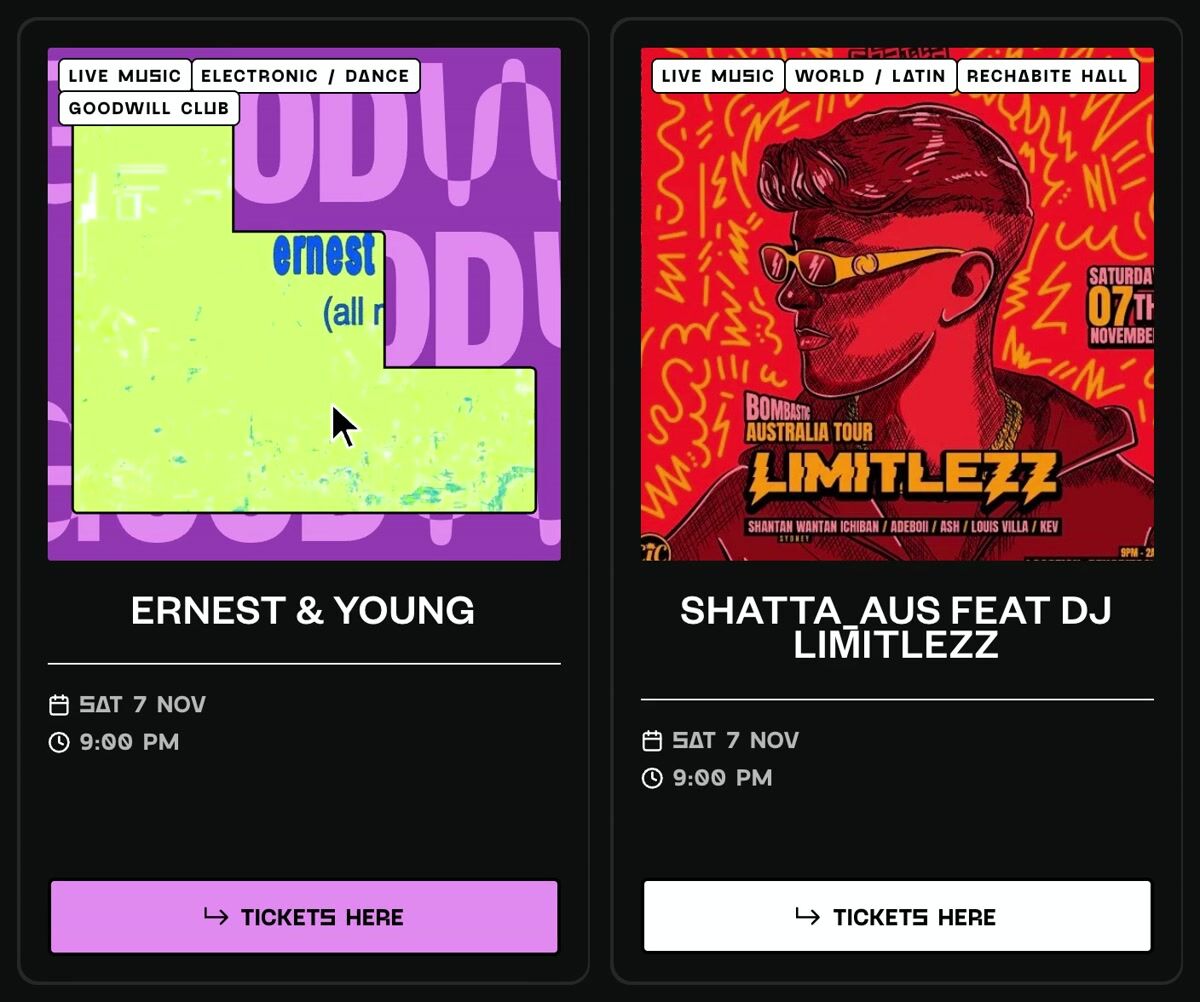
Event card hover that masks the poster into each venue's shape
therechabite.com.au
- 0:05
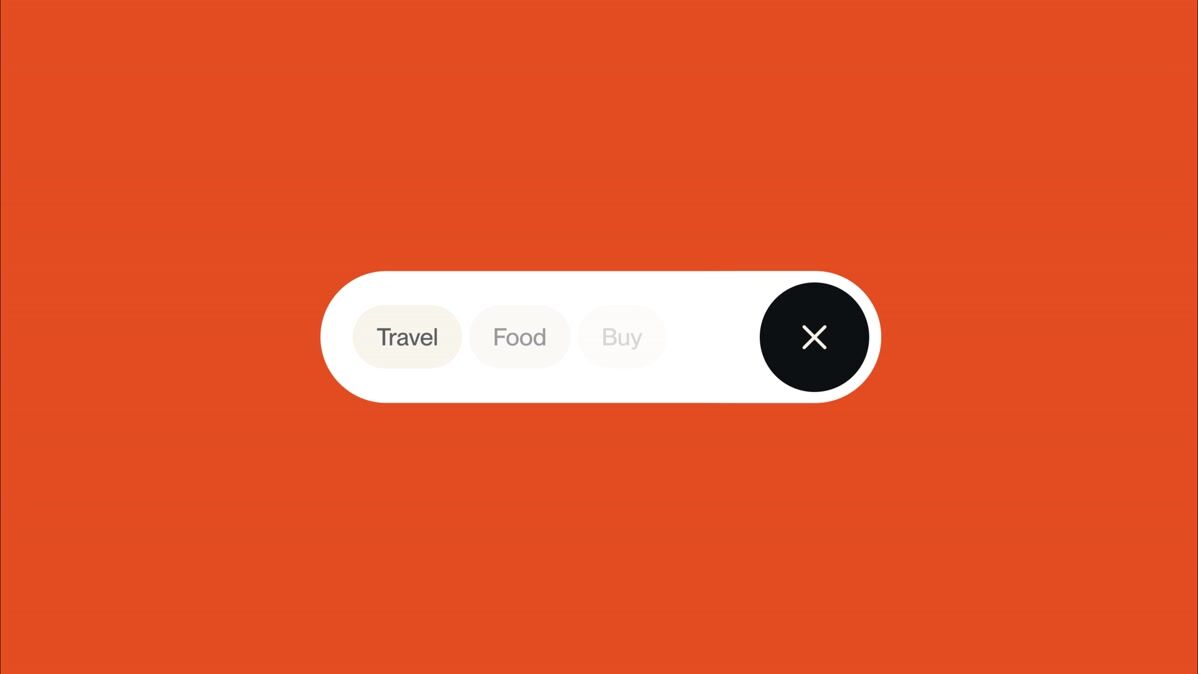
Expanding pill navigation with horizontal marquee tags
victorberbel.work
- 0:04
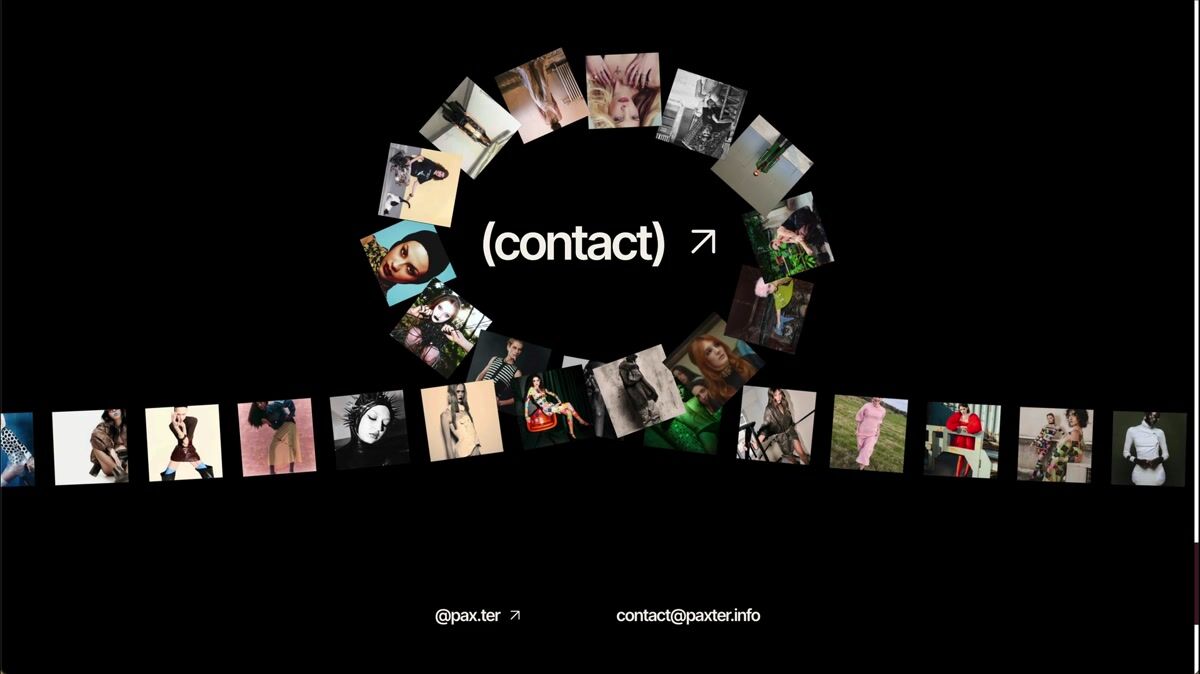
Circular and horizontal image marquee contact section
paxter.info
- 0:06
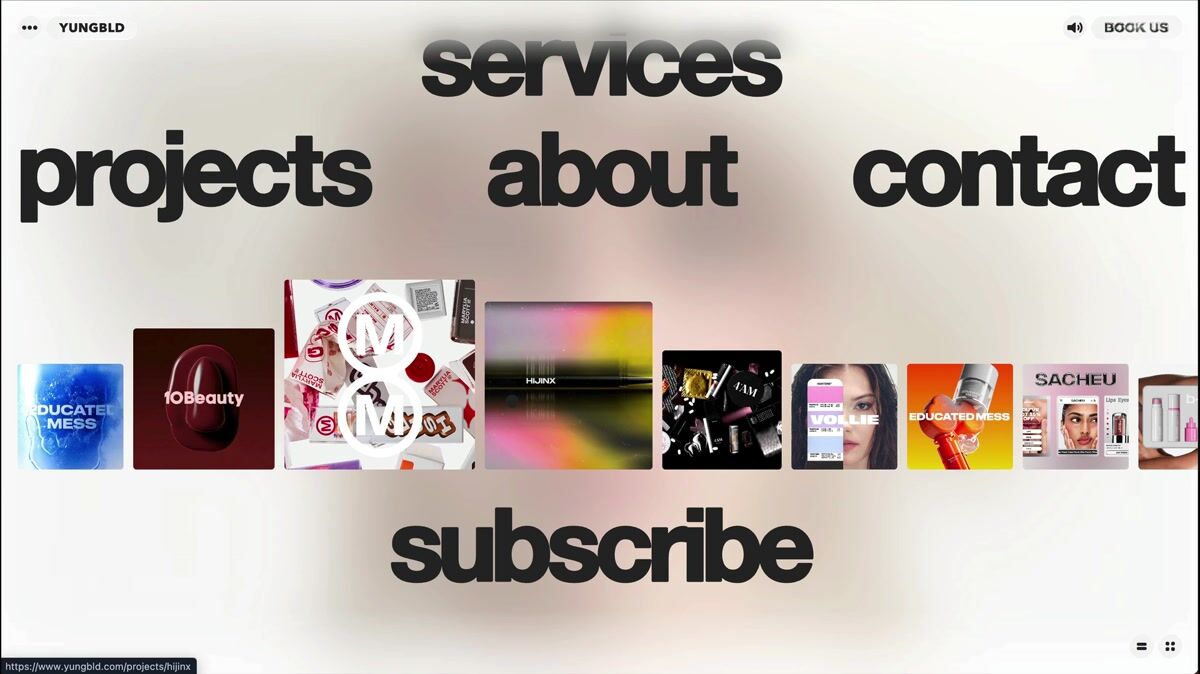
Full-screen navigation with interactive image marquee and dynamic background blur
yungbld.com
- 0:04
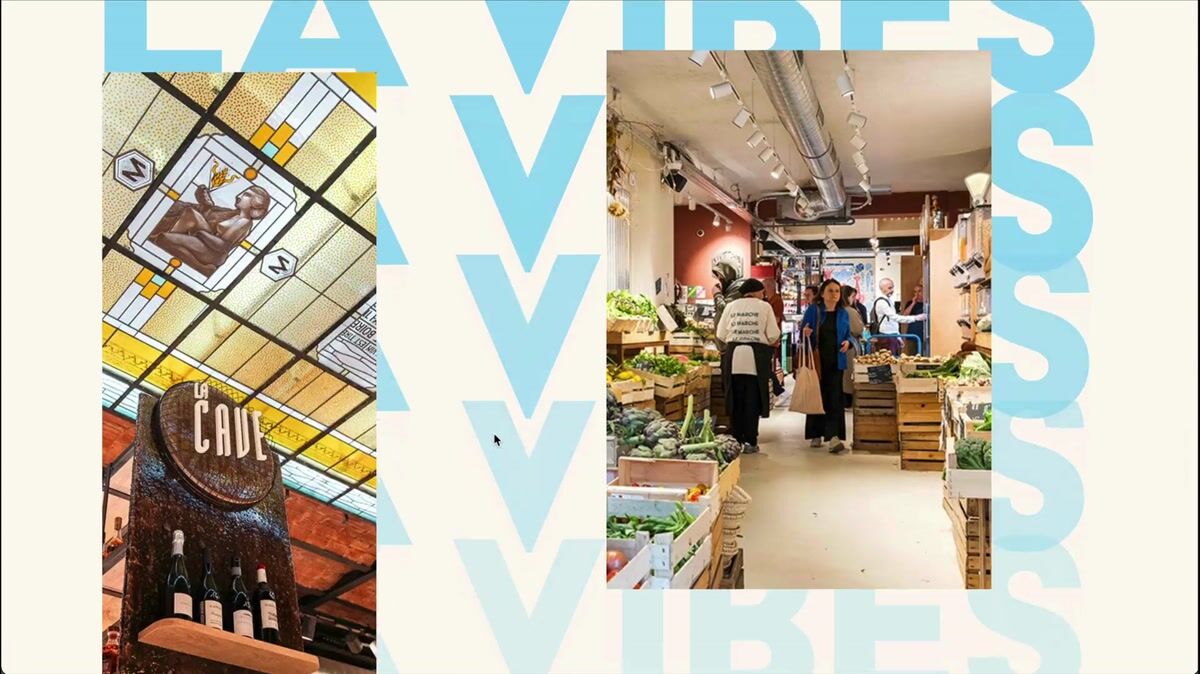
Multi-layered parallax gallery with bold kinetic typography
marche-argonautes.fr
- 0:07
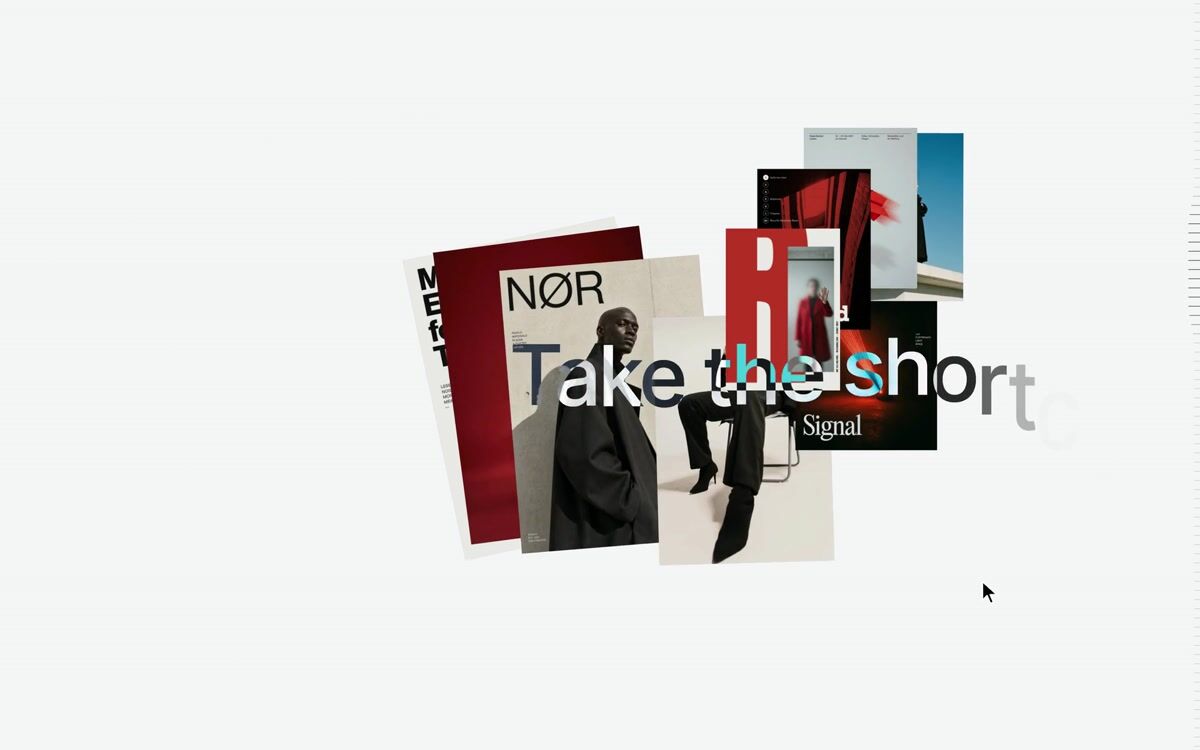
Scroll marquee headline that a shuffling poster stack passes through, then drops into an editor
premotio.com
- 0:09
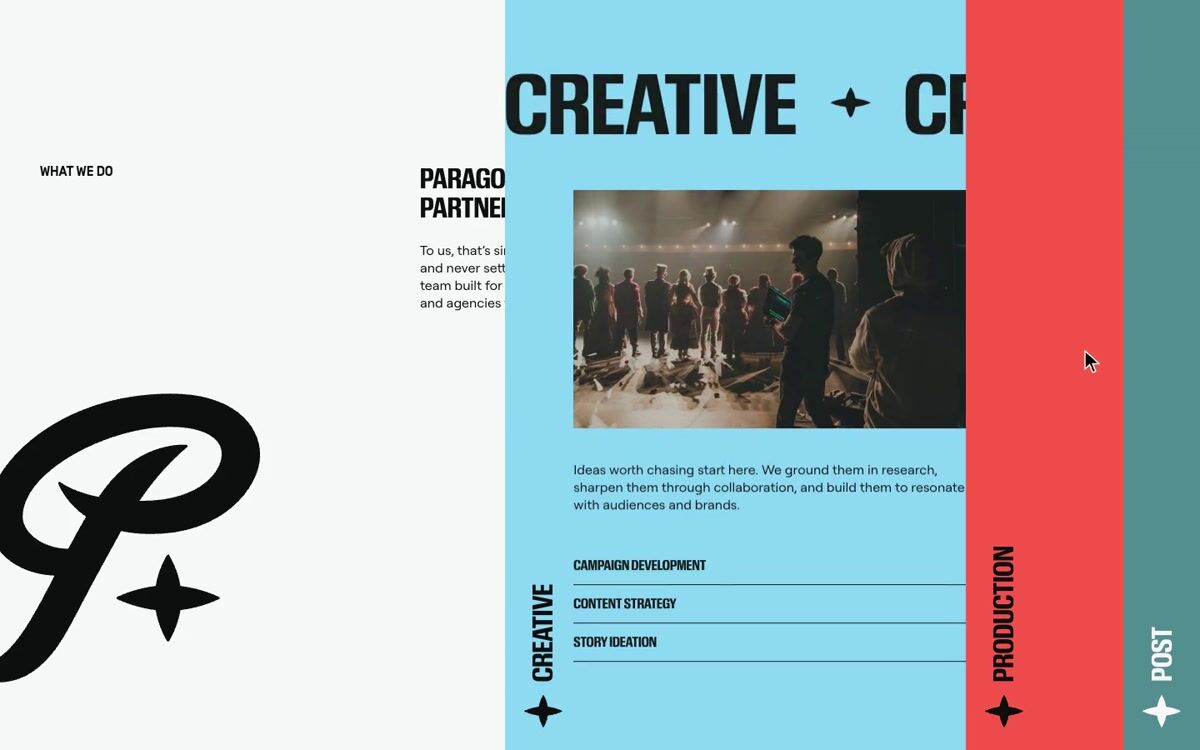
Horizontal accordion of colour service panels with a staggered reveal
paragonproductions.co
- 0:08
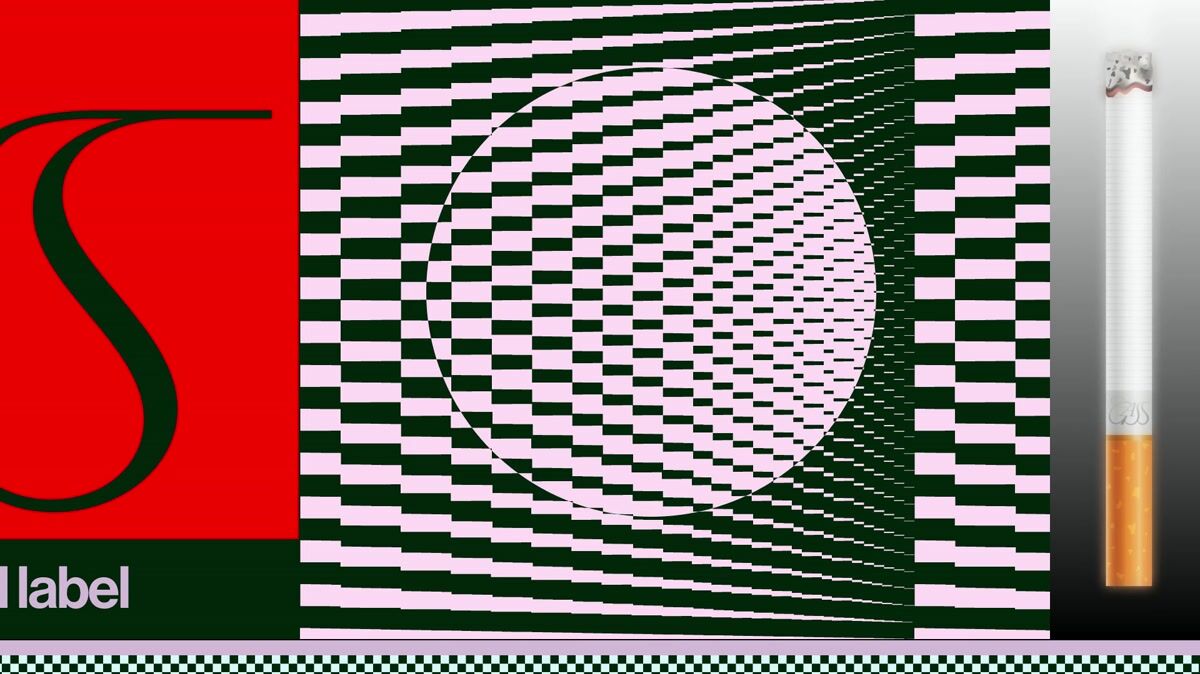
Burning cigarette scroll progress indicator
gass.zone
- 0:08
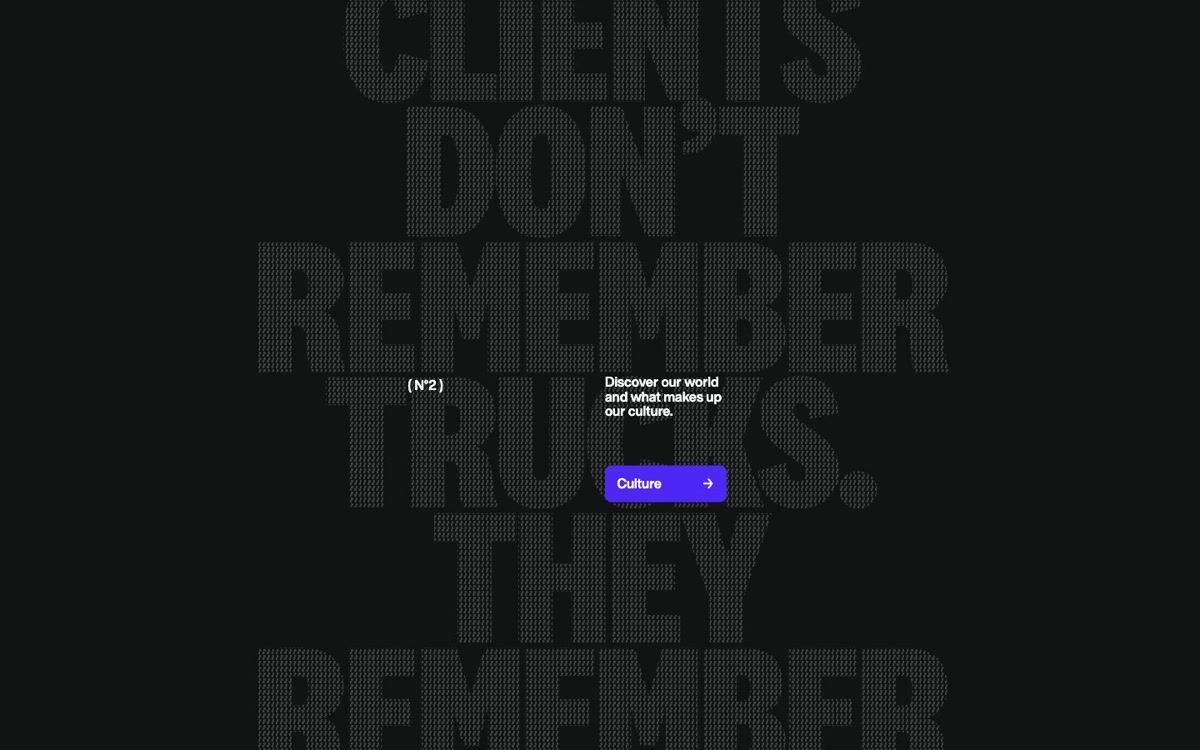
Crossed tilted marquee tapes in a footer that speed up and reverse with scroll
trucknroll.com
- 0:08
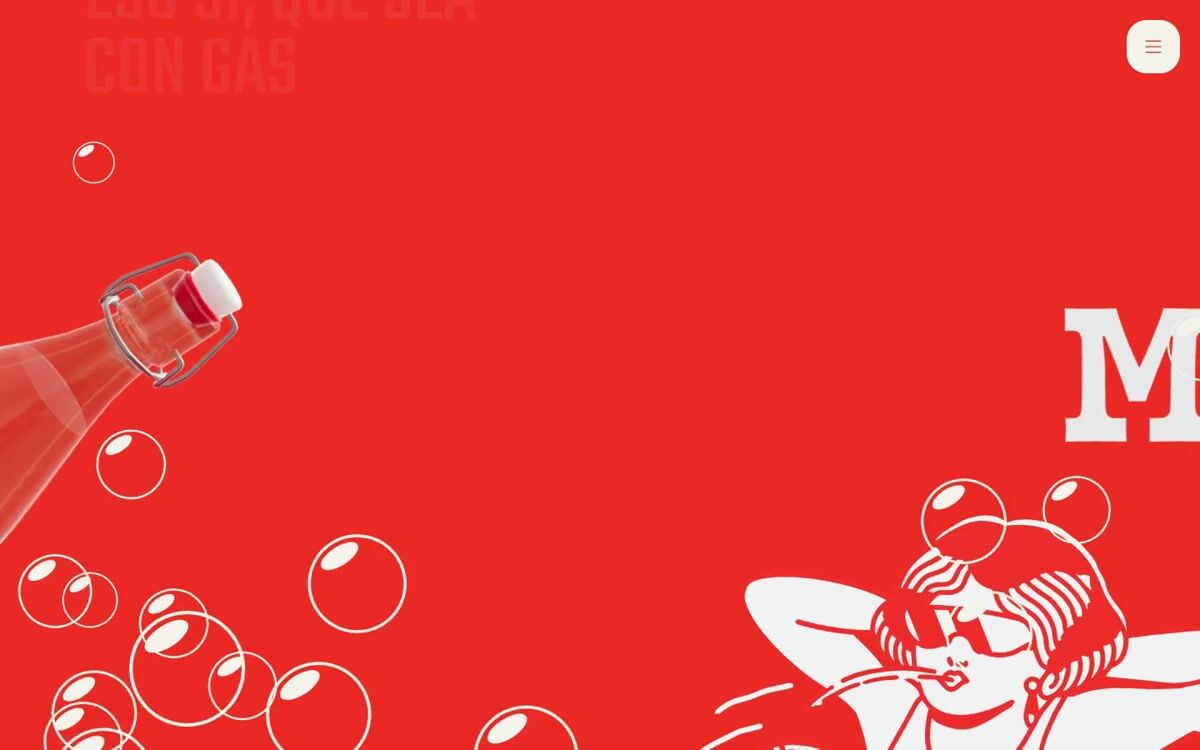
3D marquee and spinning bottle cross in a burst of bubbles, then sink under a wave
larevoltosa.es
- 0:02
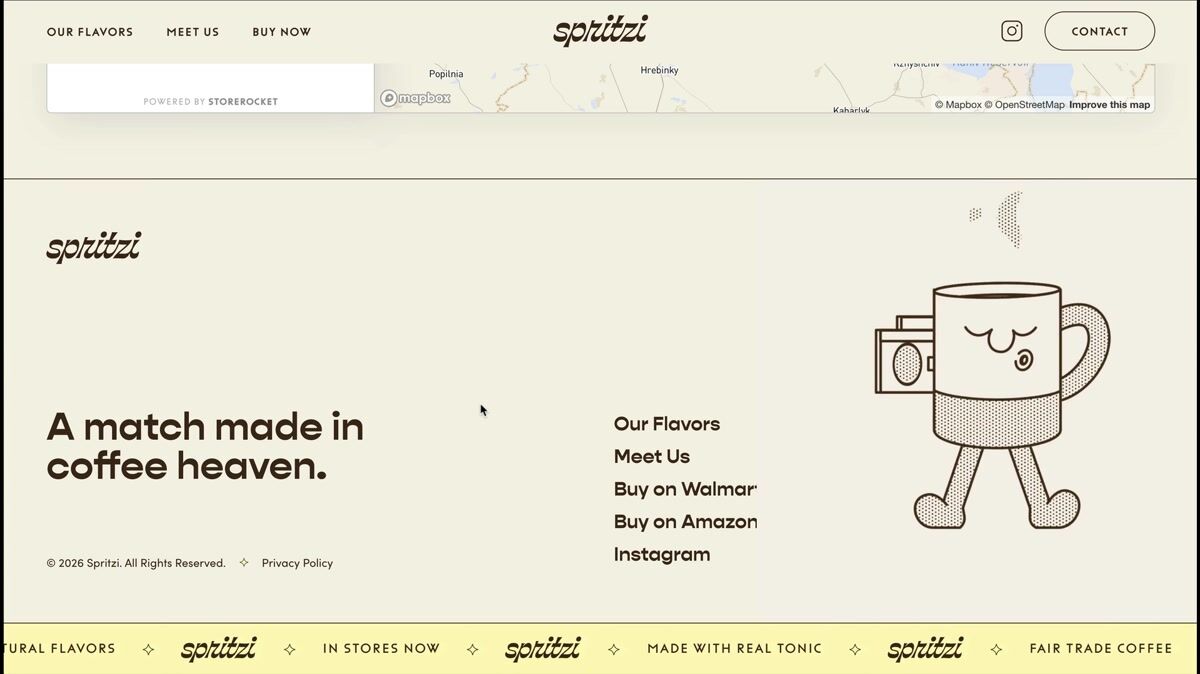
Interactive footer with eye-tracking illustration and marquee
drinkspritzi.com
- 0:09
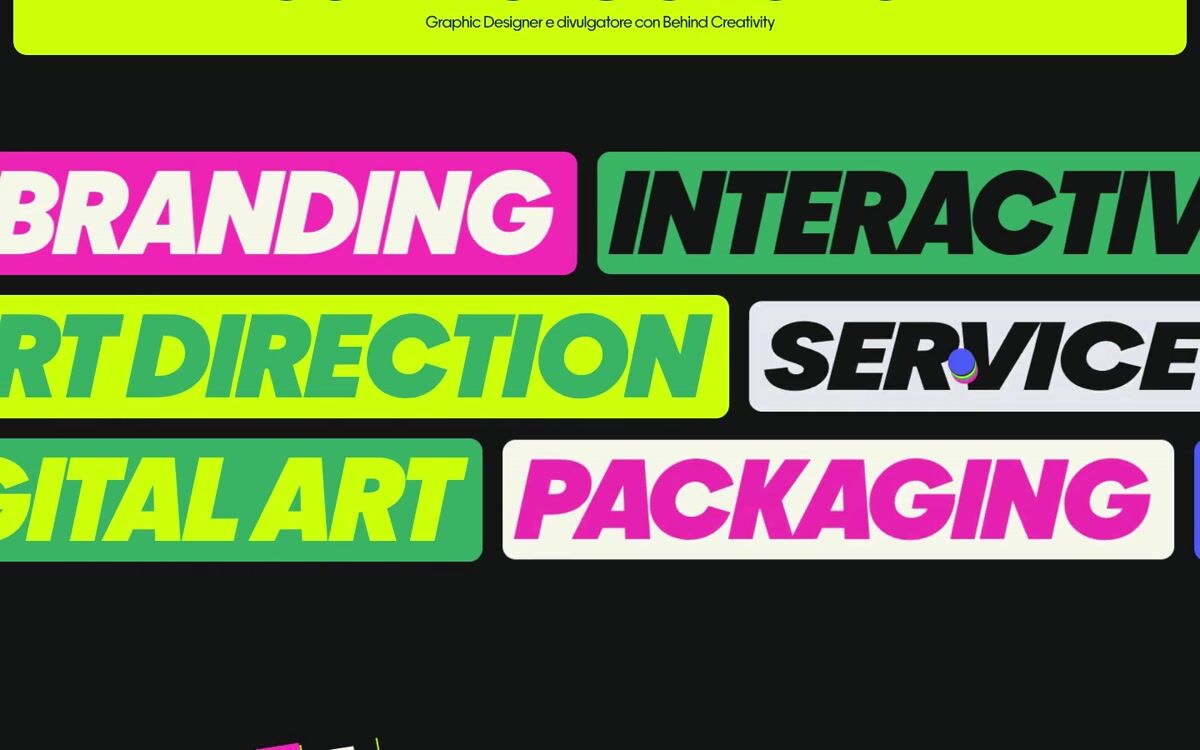
Ticker of discipline pills that flip over on hover into an alternate colourway
designbomb.it
- 0:05
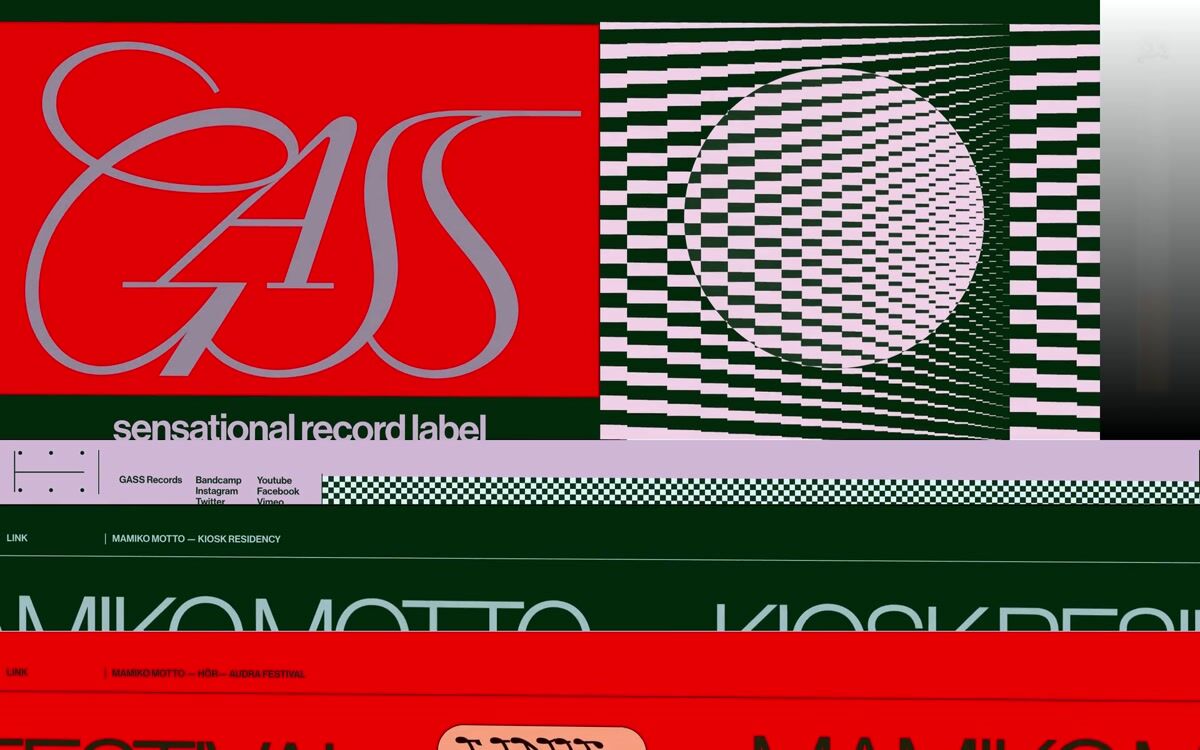
Skewed staggered rise page intro with fading wordmark
gass.zone
Questions
What are good examples of marquees?
Three of the highest rated in the library: Event card hover that masks the poster into each venue's shape (therechabite.com.au); Expanding pill navigation with horizontal marquee tags (victorberbel.work); Circular and horizontal image marquee contact section (paxter.info). The rest of this page shows more, each credited to its source.
Where can I find more marquees?
This page shows 13 of the 13, chosen from different sites. The rest are in the save.design library. An account lets you open them, search by what they look like or do, and save them to a board. Search shows a preview of the results until you're on Individual, at $12 a month or $10 billed yearly, which has the whole library.
Are these from real websites?
Yes. Each one was recorded from a live site and credited to it. With an account, you can open one to see it in full, along with similar elements and a link to the site.
Check any site with the website analyzer in a save.design account, where a new account includes 10 analyses. Save what you like to a board, then hand it to Claude, Cursor or your other AI tools over MCP when it's time to build.